 MergeHarbor
Orchestrate many AI coding agents — in parallel, safely
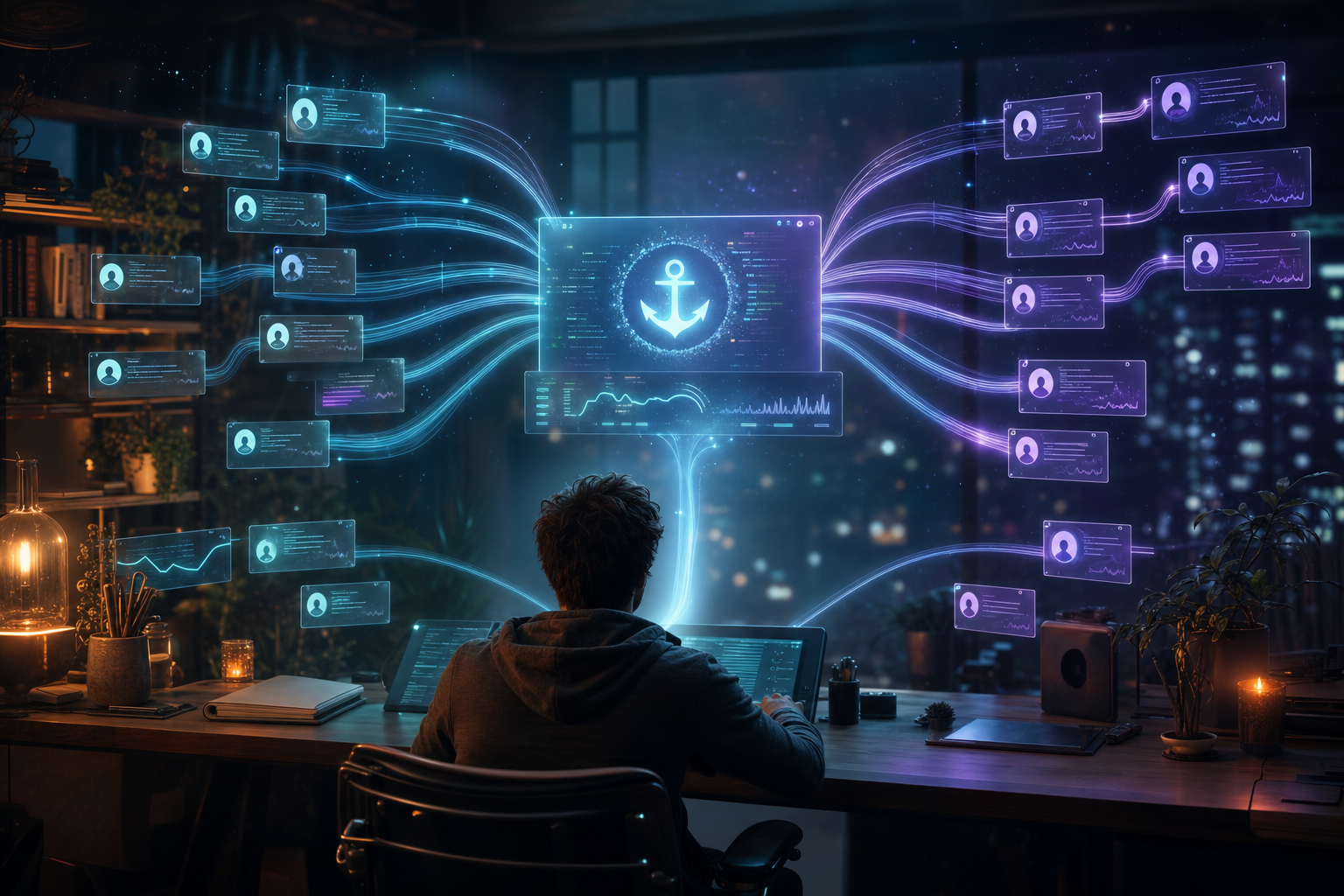
MergeHarbor runs multiple AI coding agents at once, each in its own isolated git worktree — with runtime isolation, early conflict detection, and safe serialized merges back to main. Ships a CLI (mergeharbor / mh) and an MCP server so any MCP-compatible AI tool can drive it.
Free & open source under the BSD-3-Clause license · npm i -g mergeharbor

MergeHarbor is open source — get it on GitHub
Read the code, use it in your own stack, fork it, and contribute. Licensed under BSD-3-Clause — a permissive open-source license.
git clone https://github.com/ZadeFrontier/mergeharbor.gitWhy it exists
One repo. Many agents. No collisions.
N agents
Run in parallel
Fan out many AI coding agents at once, each in its own isolated git worktree.
Isolated
Runtime per agent
Separate working dir, index, ports and databases — no more index.lock collisions.
Safe
Serialized merges
Early conflict detection and ordered merge-back keep main clean.
CLI + MCP
Drive it anywhere
Use the mh CLI or let any MCP-compatible AI tool orchestrate it.
Capabilities
Everything you need to run agents in parallel
Isolated git worktrees
Each agent gets its own working directory and index, sharing one .git object database — the only robust way to run many agents on one repo without clobbering each other.
Runtime isolation
Automatic per-agent port ranges and databases so parallel dev servers and migrations never collide.
Early conflict detection
Uses git merge-tree to detect conflicts before they land, so you catch collisions early instead of at merge time.
Safe serialized merges
A single merge lock serializes merge-back into your base branch — ordered, predictable, and recoverable.
First-class MCP server
A stdio MCP server exposes the whole workflow so Cursor, Claude Code, Codex and any MCP-compatible tool can drive it directly.
End-to-end orchestration
Init, spawn, watch, and merge — an opinionated flow that automates the whole parallel-agent pattern from one config file.
Who it's for
Built for teams running fleets of AI agents

Enterprise engineering teams
Let platform teams run fleets of agents across a monorepo — isolated, observable, and merged back on your terms.

Fast-moving startups
Ship more in parallel — sample multiple solutions to the same task, then keep the best and merge it.
Open-source maintainers
Triage, review and integrate community and agent contributions safely, with conflict detection before anything touches main.
Quickstart
Up and running in four steps
Install the CLI, initialize your repo, spawn agents, and merge back safely. Or point your MCP-compatible AI tool at the MergeHarbor server and let it drive.
Step 1
Init your repo
Run mh init to create .mergeharbor/config.yaml and runtime dirs, and add safe ignore rules — your repo stays on its base branch.
Step 2
Spawn agents
Create an isolated worktree per agent, each with its own ports and database, so many agents can build in parallel without collisions.
Step 3
Watch progress
Track each agent’s worktree live from the CLI or over MCP — drop into any environment to inspect or steer it.
Step 4
Merge safely
Detect conflicts early and merge back into your base branch through a single serialized lock — ordered and recoverable.
# Install the global CLI
npm install -g mergeharbor

# Or run without installing
npx mergeharbor --help

# Initialize in your repo
mh init

# Spawn isolated agent worktrees
mh spawn agent-1
mh spawn agent-2

# Detect conflicts early, then merge back safely
mh merge agent-1

# Get the source
git clone https://github.com/ZadeFrontier/mergeharbor.git
Requires Node.js 18+ and git 2.38+
Architecture built for safe parallelism
MergeHarbor keeps your repo on its base branch and gives every agent an isolated worktree with its own runtime — then detects conflicts early and serializes merge-back so main stays clean.
- Isolated git worktrees — separate working dir + index, shared object database
- Per-agent runtime isolation — automatic port ranges and databases
- Early conflict detection via git merge-tree before merge-back
- Serialized, lock-protected merges into your base branch
- First-class MCP stdio server + a CLI (mergeharbor / mh)
Built by ZadeNor AI · open source for the whole community
FAQ
Questions developers ask first
What is MergeHarbor?+
MergeHarbor is an open-source tool from ZadeNor AI that orchestrates multiple AI coding agents in parallel using isolated git worktrees. It gives each agent its own working directory, index, ports and database, detects conflicts early, and merges results back safely. It ships both a CLI (mergeharbor / mh) and an MCP server.
Is MergeHarbor really free and open source?+
Yes. MergeHarbor is free and open source under the BSD-3-Clause license, and the full source is available on GitHub. You can read the code, use it, fork it, and contribute.
How do I install it?+
Install the global CLI with npm install -g mergeharbor, or run it without installing via npx mergeharbor --help. It requires Node.js 18+ and git 2.38+ (for merge-tree conflict detection).
Which AI tools can drive MergeHarbor?+
Any MCP-compatible AI tool — such as Cursor, Claude Code, or Codex — can drive MergeHarbor through its stdio MCP server. You can also use the mh CLI directly.
Why do I need isolated worktrees?+
You cannot safely run multiple agents that write and commit into one shared working tree — they collide on the single git index (index.lock) and can clobber each other’s uncommitted files. Giving each agent its own worktree, then merging back, is the robust fix — and MergeHarbor automates that pattern end to end.
Ship in parallel — clone it and go
MergeHarbor is free and open source under the BSD-3-Clause license. Star it, fork it, and orchestrate your fleet of AI coding agents today.